

We offer a management service that handles all aspects of your Amazon sales,
I am an e-commerce consultant at Hide & Seek, Inc.
In this post, we’ll discuss “Sponsored Brands,” one of Amazon’s advertising formats.
We've put together an easy-to-understand guide covering everything from explanations to tips for using the service.
Please feel free to use this as a reference.
What Is a Sponsored Brand Ad?
Currently, in addition to “Sponsored Brands” ads, Amazon offers several other types of ads, including “Sponsored Products,” “Sponsored Display,” and “Amazon DSP” ads.
Among these, the first thing that people who haven’t yet started running ads on Amazon should focus on is,
"Sponsored Products" ads are the type most likely to directly drive sales.
After you’ve properly set up your Sponsored Products ads, to further increase your sales,
Let's get started on sponsored brand ads.
If you'd like to get a better understanding of Amazon's other advertising options, please see the article below.
Pros and Cons of Sponsored Brand Ads
Here is a brief explanation of the pros and cons of sponsored brand ads.
Benefits
・Since it appears at the top of search results on smartphones and computers, it’s likely to catch the attention of many people.
・It offers a wide range of creative possibilities, such as displaying images, logos, and products.
・It can drive traffic to the store page and increase brand awareness.
・You can post videos.
Disadvantages
・Costs are high because there are few distribution channels and a lot of competition.
・Brand registration is required to use this service.
Placement of Sponsored Brand Ads
Sponsored Brand ads are ads that appear in Amazon search results and on product pages.
Since the billing model is pay-per-click, you won't be charged for advertising unless the ad is clicked.
Search Results (Top)
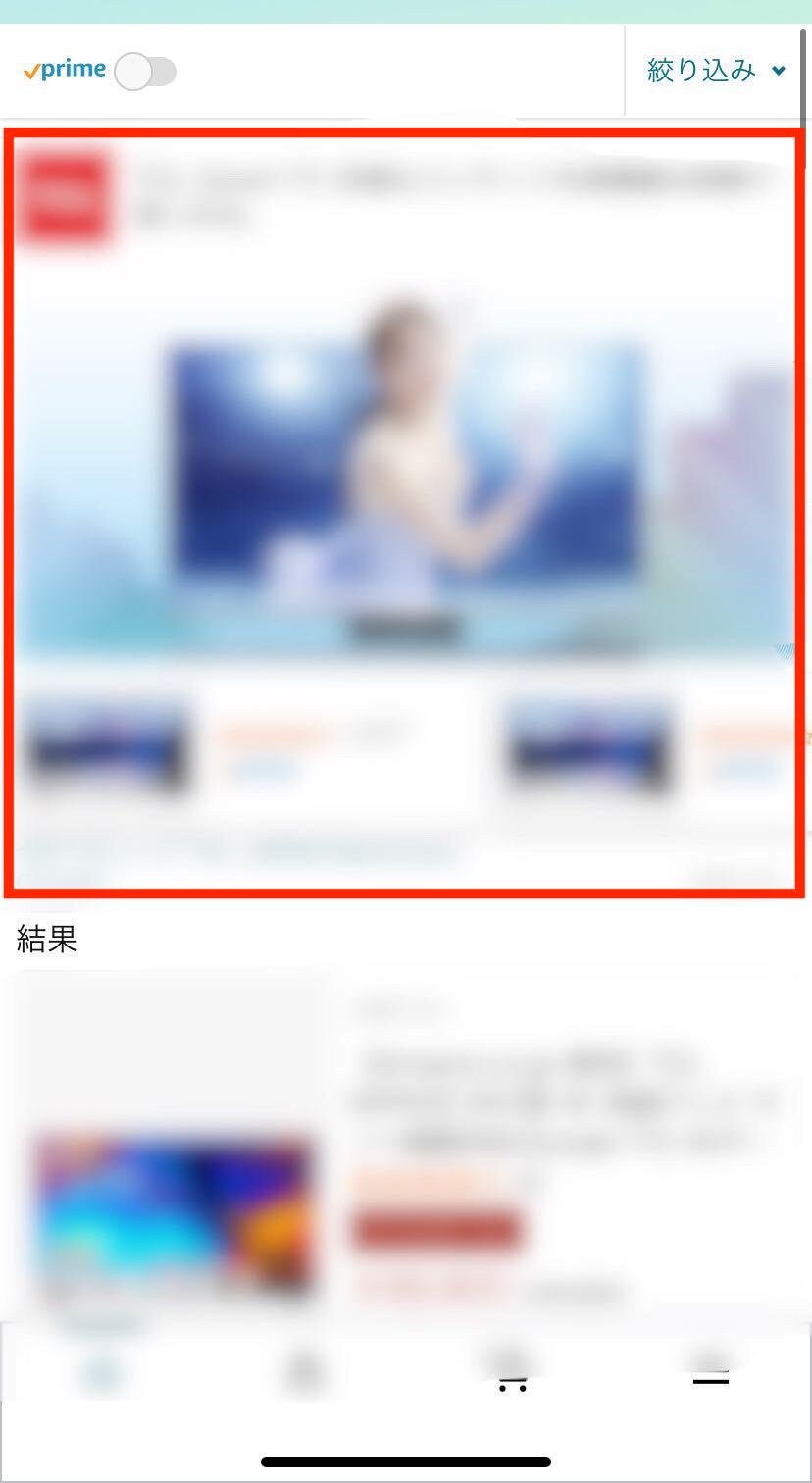
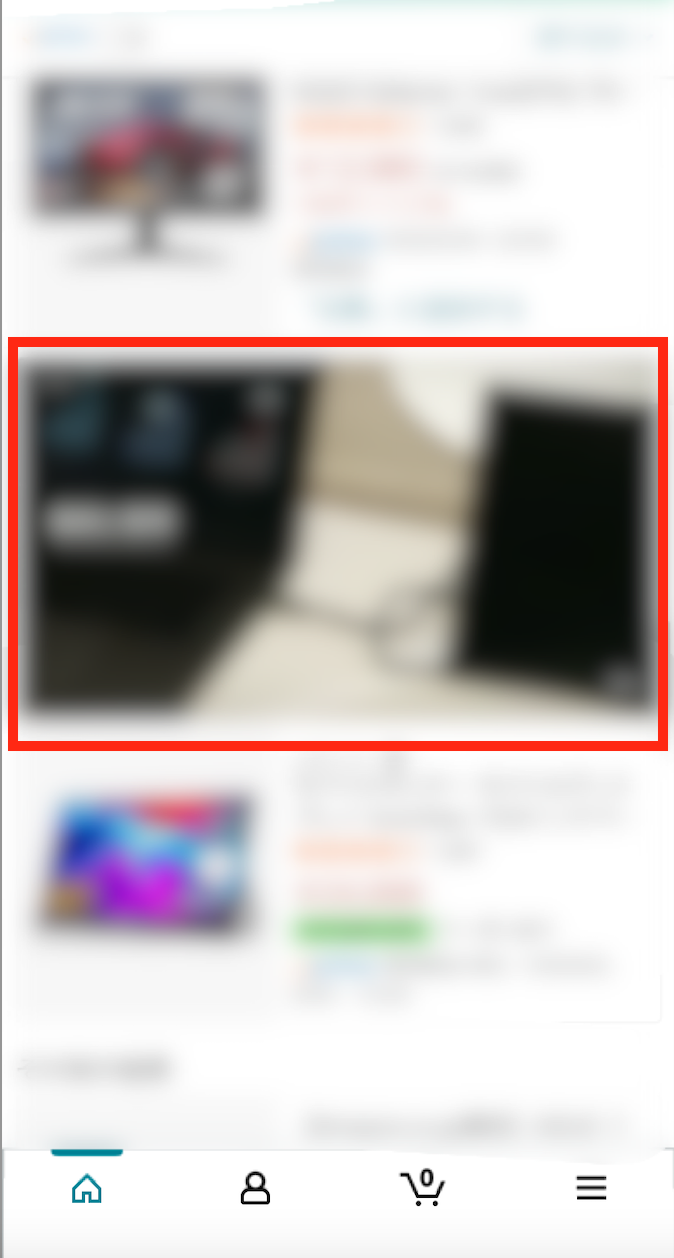
Search Results (Videos)
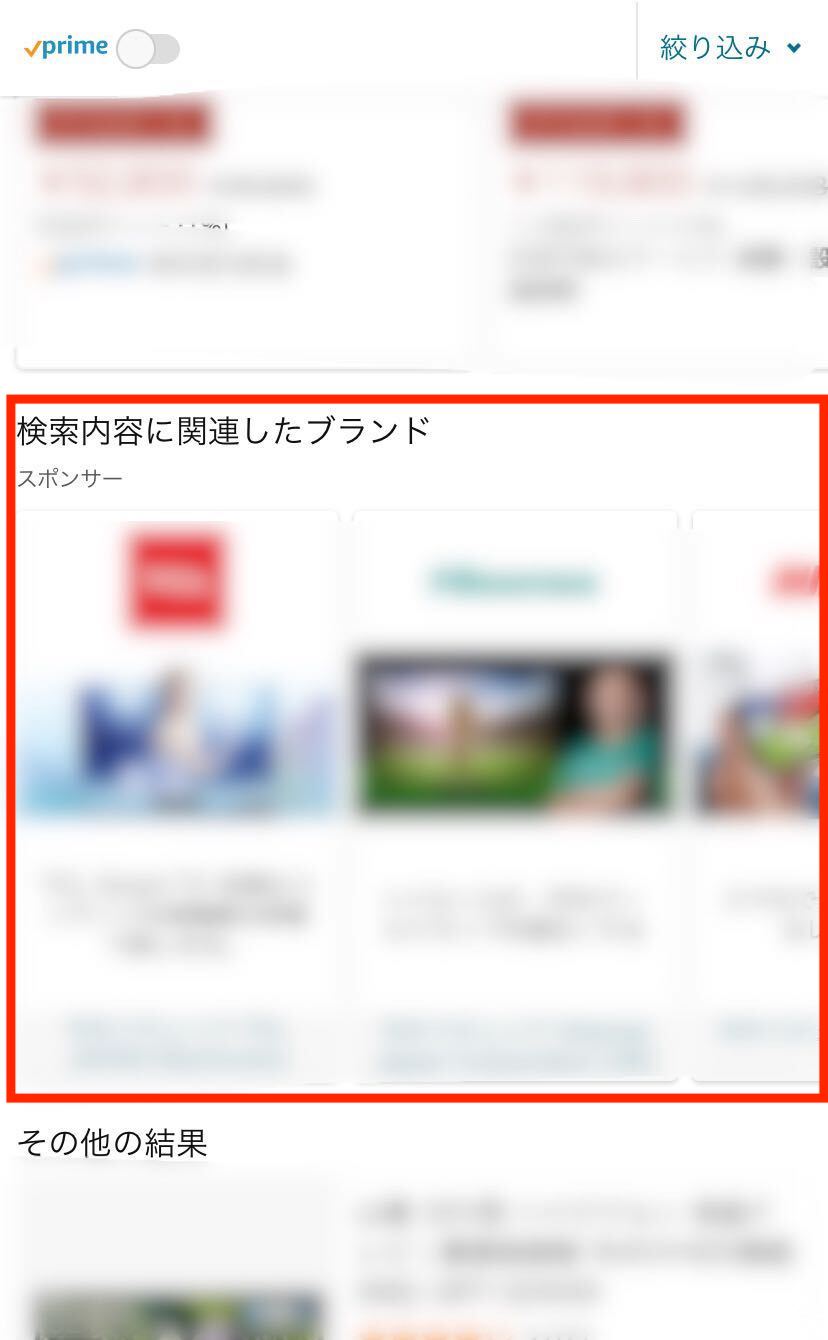
Search Results Page
On the product page
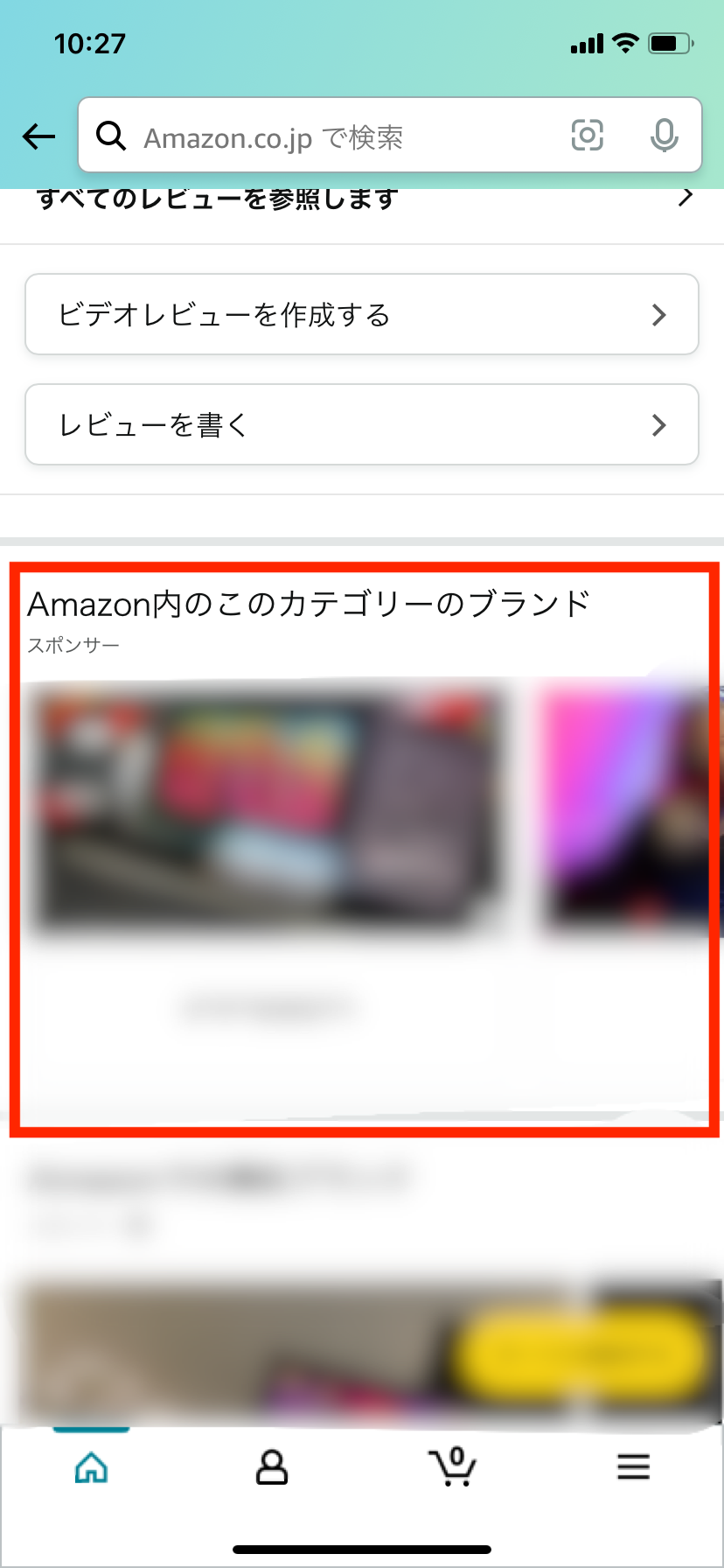
Since the product is configured to appear at the very top of the first page of search results,
It helps promote the brand to customers.
Not only does clicking take you directly to the product page, but
It is also possible to direct users to a store page that better conveys the brand's appeal.
If you'd like to learn more about the store page, please refer to the article below.
How to Set Up Sponsored Brand Ads
How to Post
Next, we’ll explain how to post sponsored brand ads.
Terms of Publication
There are two main requirements for using Amazon Sponsored Brands ads.
① High-volume sellers
When sellers list products on Amazon, they can choose between “Professional Seller” and “Individual Seller,”
Choose from two listing methods.
Sponsored Brand ads are available only to "Large-Volume Sellers."
For more information on bulk and small-lot listings, please click here.
② Brand Registration
Another point is that we are registering our brand.
When you register your brand, Amazon will protect it.
To register a brand, you must obtain a trademark.
Registering your brand offers a variety of other benefits—such as the ability to use sponsored display ads in addition to sponsored brand ads—so if you haven’t registered yet, be sure to do so.
For more information on sponsored display ads, please click here.
How to Set It Up
Let's actually set up a sponsored brand ad.
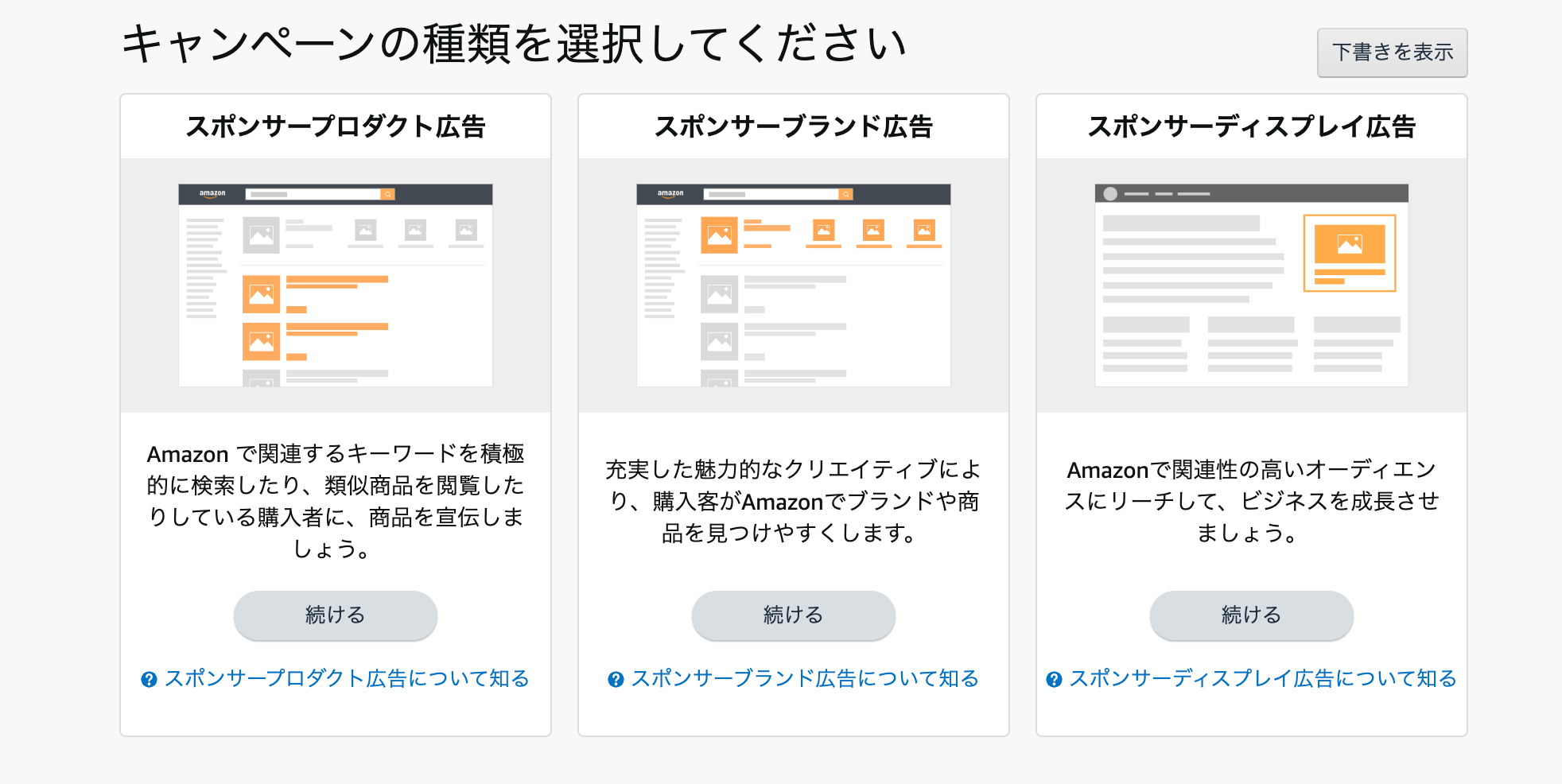
① Select “Sponsored Brand Ads” from “Create Campaign”
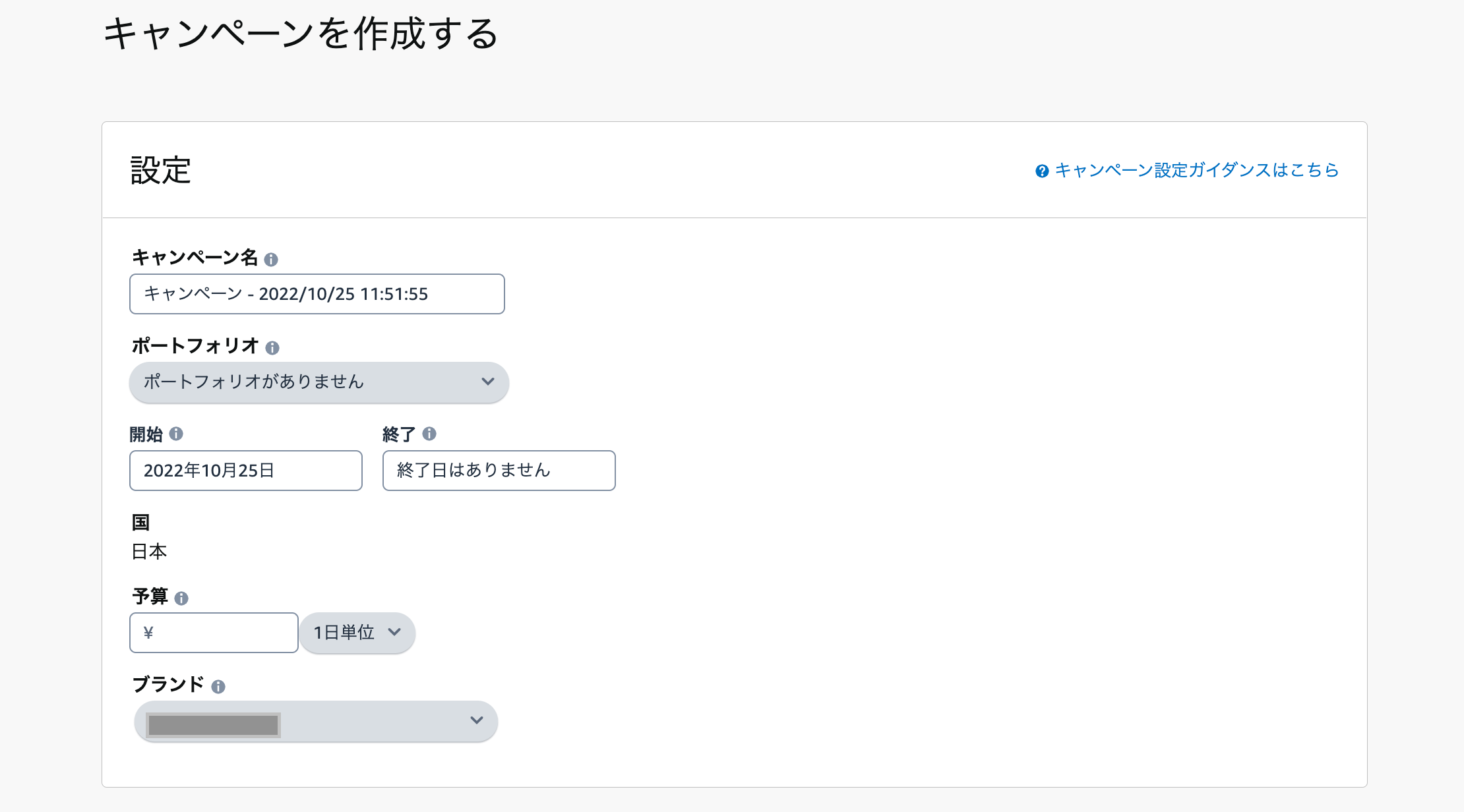
② Creating a Campaign
Enter a campaign name and set a daily budget to make it easier to manage.
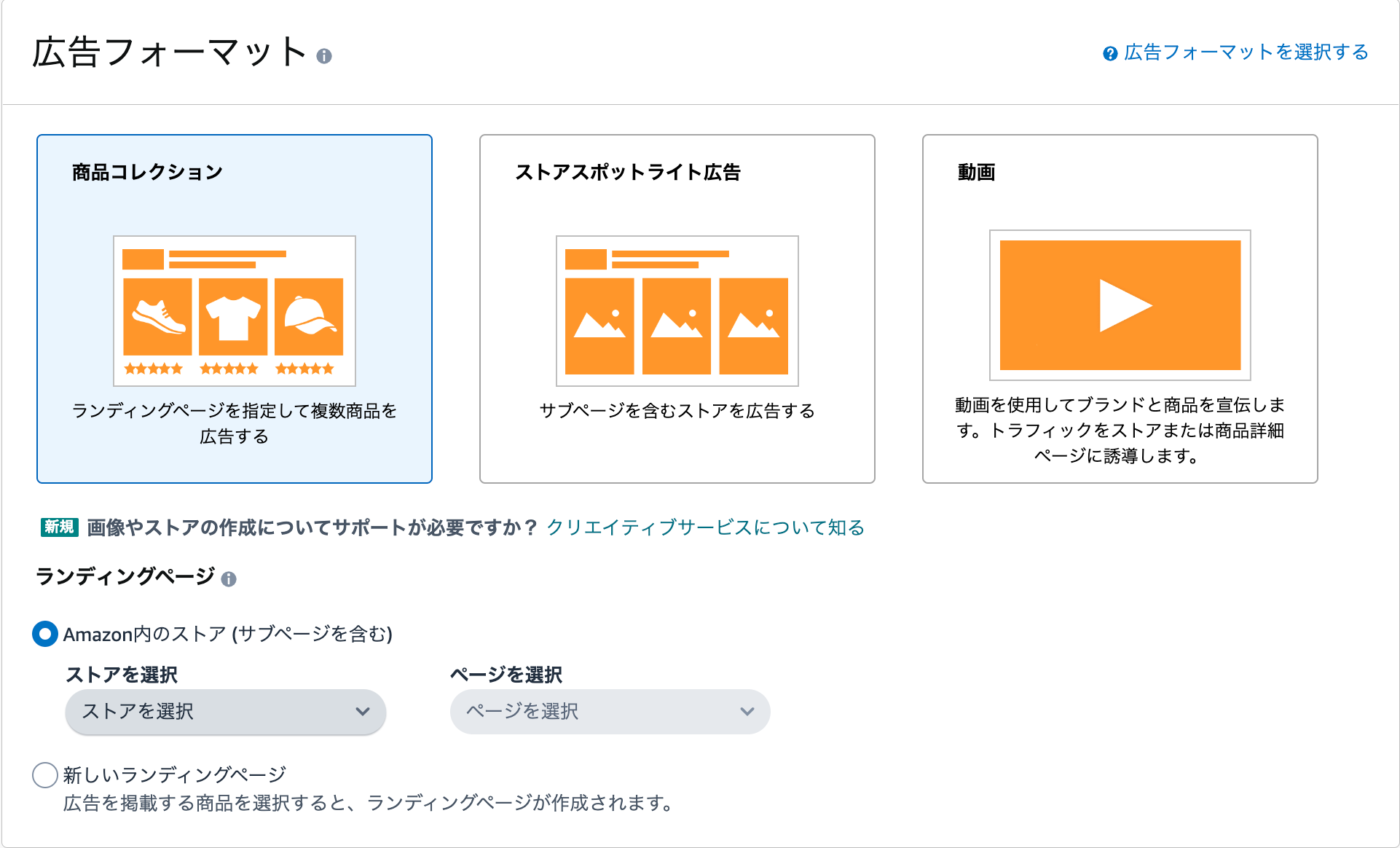
③ Select an ad format
You can select the page you want to navigate to.
If you want to redirect users to the store page, select “Amazon Store” from the landing page options.
If you want to redirect users directly to the product page, select "New Landing Page."
In this article, I'll explain how to set up a product collection.
④ Add the products you want to advertise
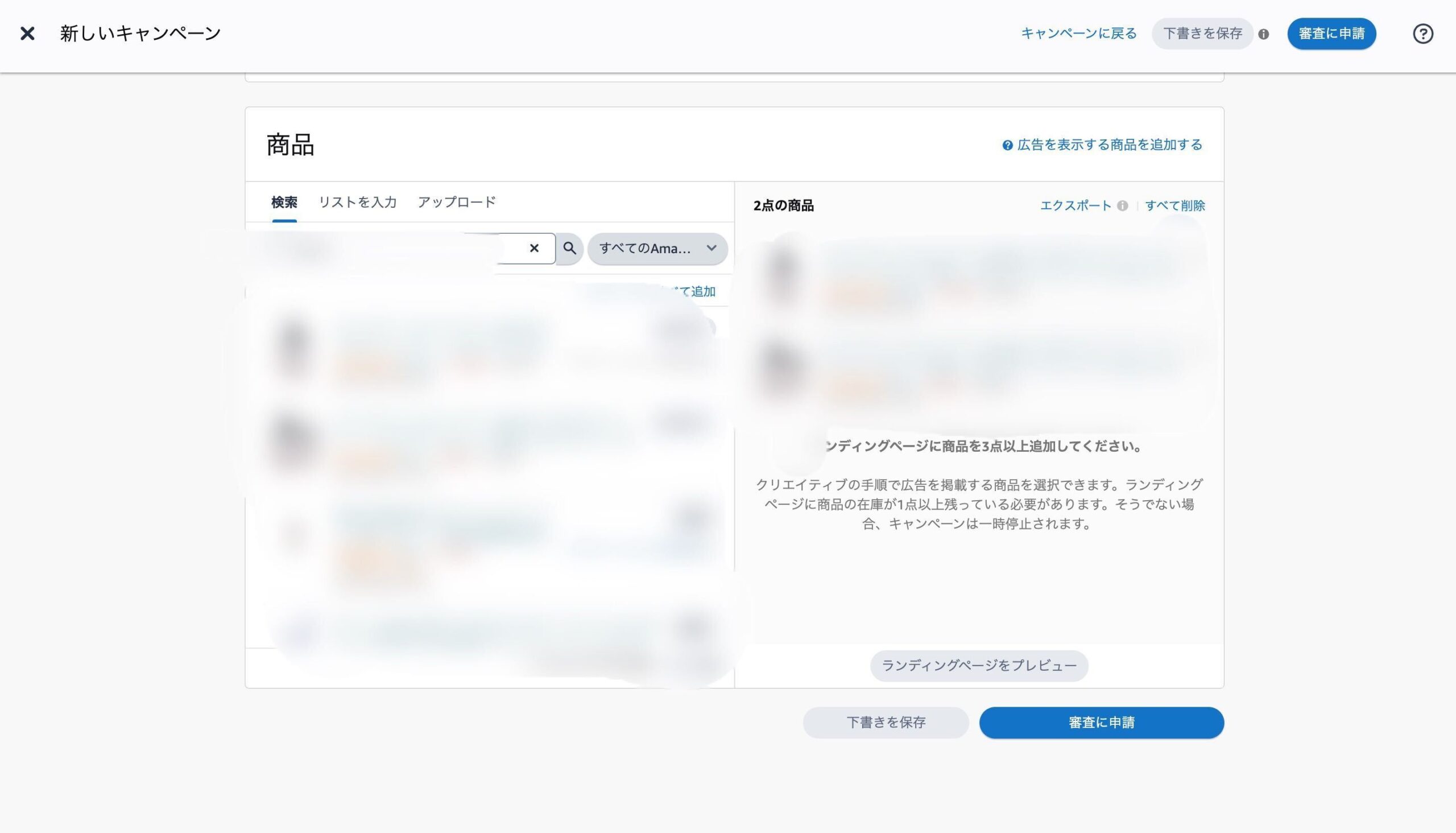
⑤ Setting Up Targeting
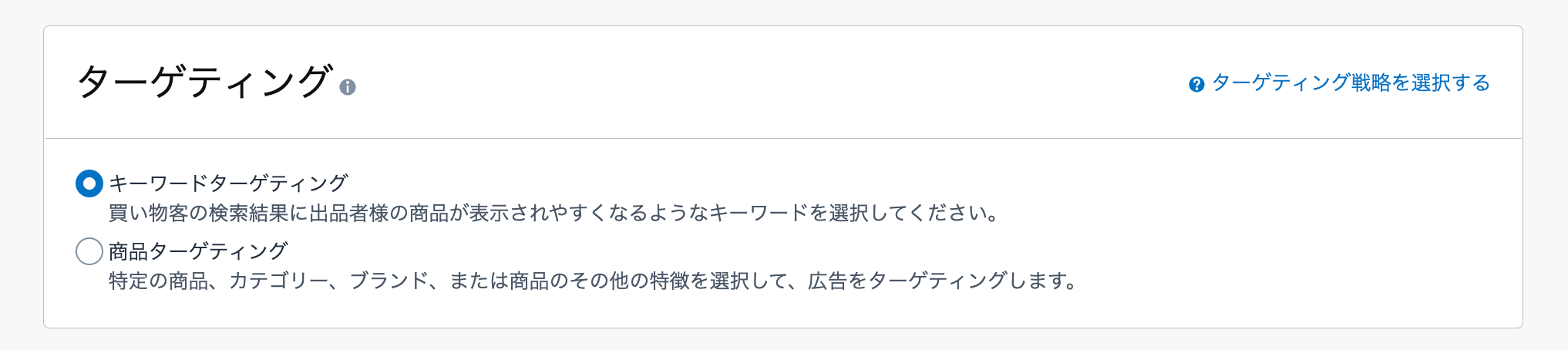
There are two main methods of targeting.
▼Keyword Targeting
We target specific keywords.
Set the names of your company's products and brands, as well as keywords that are likely to generate traffic.
▼Product Targeting
With product targeting, you can select categories or specific products to target your ads.
You can further narrow down your search by category, brand, price range, or review rating.
Set your targeting based on your advertising strategy.
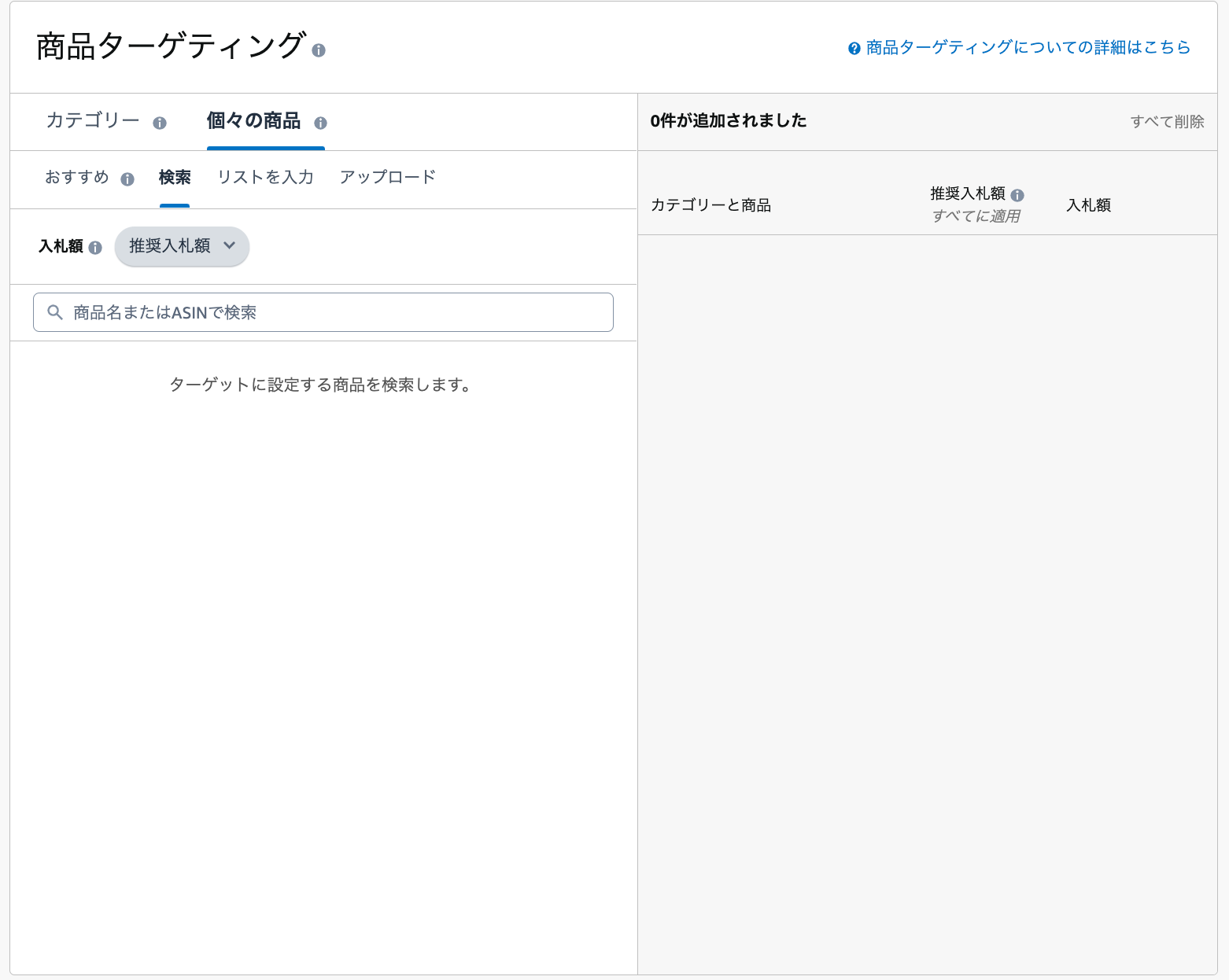
⑥ Creative Settings
You can set a logo or image.
Let's choose an image that best conveys the brand's appeal.
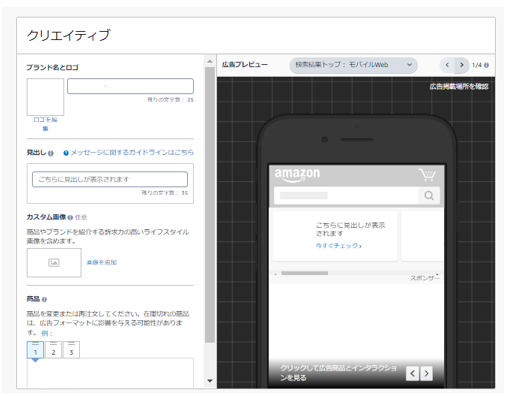
If you'd like to learn more about how to set up a campaign, please also refer to this page published by Amazon Ads.
https://advertising.amazon.com/ja-jp/library/guides/sponsored-brands-what-to-know
Key Points for Operation
Here are three key points to keep in mind when managing sponsored brand ads.
① Protect the search term field related to your company
Sponsored brand ads allow you to target specific products.
If another company takes the top spot in search results related to your company, customers who went to the trouble of searching for your products will,
There is a possibility that they will go to a competitor.
Be sure to set higher bids for relevant keywords, such as company names and product names, to protect your rankings.
② Narrow down the keywords likely to generate conversions
Compared to other Amazon ads, these ads are more likely to catch customers' attention because they take up a larger space.
If your budget allows, we recommend securing ad space for high-volume keywords, but
If your budget is limited, narrow down the keywords that are likely to generate conversions and aim for top rankings.
③ Be mindful of advertising costs
As mentioned above, because there are so few ad slots available for sponsored brand ads, competition for those slots is fierce.
Consequently, one of its key features is that bid amounts tend to rise more easily compared to Sponsored Products ads.
Keep an eye on your advertising costs and check your ads regularly.
Summary
In this post, we explained sponsored brand ads.
If used effectively, this type of advertising can not only boost conversions but also enhance your brand image.
As mentioned at the beginning, why not start by optimizing your Sponsored Products ads and then use them to further boost your sales?



アイキャッチnew.jpg)