As we expand our sales channels through the LINE Official Account,
The "Rich Menu" is an essential feature.
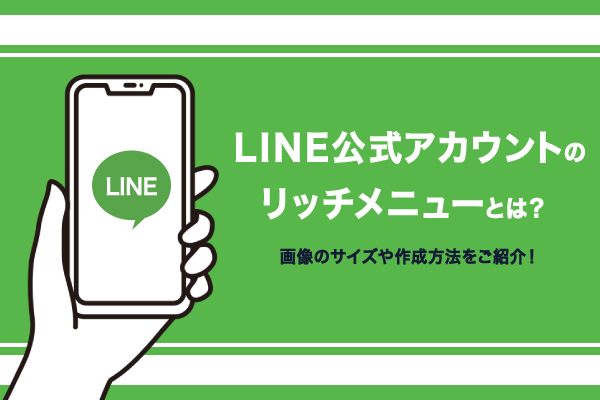
In this article, we'll cover everything from how to create a rich menu to tips for managing it.
While referring to the article,
Let's create a rich menu that will help expand your sales channels.
What is a rich menu?
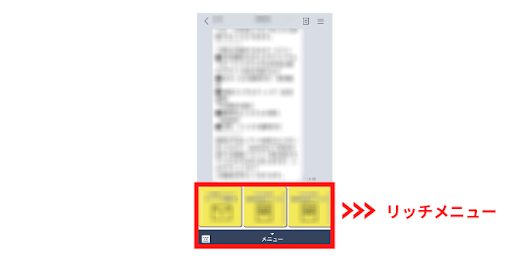
What Is a “Rich Menu”?
The menu displayed at the bottom of the LINE chat screenThat's what it means.
You can also target conversions such as website visits and reservations.
As I mentioned in my previous post,
Since LINE@ was merged with LINE Official Accounts,
It is now available for free.
What is the difference between a rich menu and a rich message?
Do you know the difference between a “rich menu” and a “rich message”?
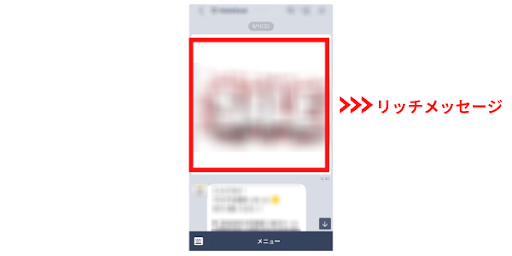
"Rich Messages" are,
Include images and videos in messages sent from the chat screen
This refers to the feature that allows you to stream.
You can add links and coupon features to "Rich Messages."
"Rich Messages" areUsers will be notified when a message is sentOn the other hand,
Since the "Rich Menu" is always displayed on the screen,
Users will not be notified.。
Benefits of Using a Rich Menu
Since the rich menu takes up a significant amount of space within the chat screen,
It allows for a visual approach, and
Effective for driving traffic to websites and online marketplaces, as well as distributing coupons。
The more creative you are with your ad design,
This is an excellent feature that helps drive more traffic to the site.
How to Create a Rich Menu
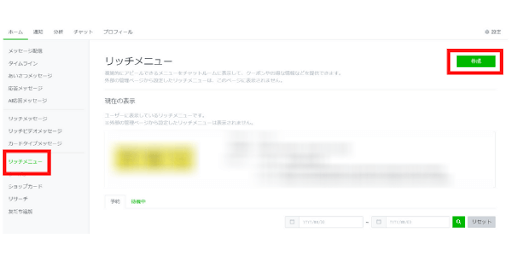
From the menu section of the LINE Official Account Manager, select “Rich Menu,” and
Click "Create."
How to Configure Display Settings
First, let's configure the display settings.
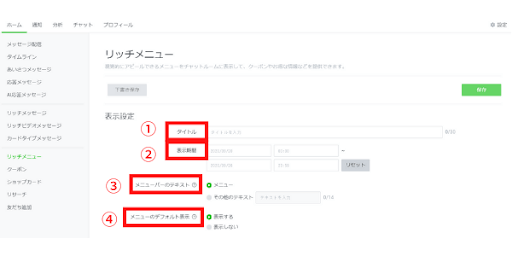
①Title
You can set an administrative title.
The "Title" is not displayed to users.
To make it easier to distinguish between multiple rich menus
Try adding the date or making other adjustments.
②Display Period
You can select the period and specific dates and times during which the rich menu will be displayed.
③Text in the menu bar
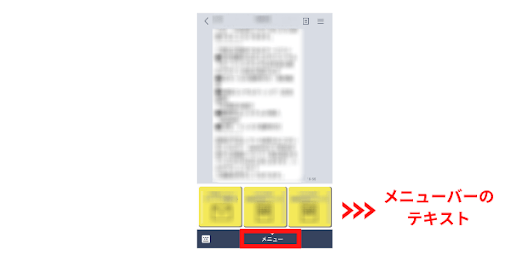
Let's set the text to be displayed at the bottom of the menu bar.
By default, it is labeled "Menu."
"Check out our flyer here!" or "XX is back in stock!" and so on
Copy that attracts usersLet's add it.
④Default Menu Display
Choose whether you want to keep the menu bar open at all times.
If you turn it off, it will only appear when the user presses the menu button.
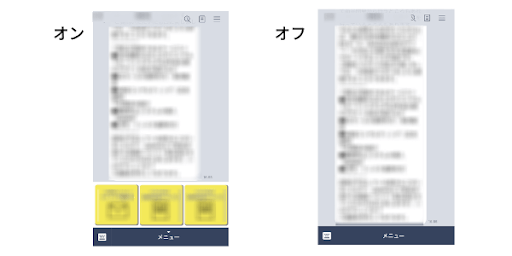
The benefits of keeping it displayed at all times are
The Rich Menu'sYou can increase your click-through ratePoint.
On the other hand, because the chat screen takes up a large amount of space,
The messages I usually post will be harder to readThere is also this drawback.
Let's determine the default display settings for the menu based on your operational needs.
How to Configure Content
①Select an image size
First, let's decide on the layout of the images to be displayed in the rich menu.
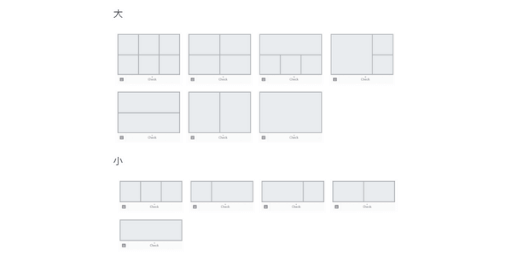
The image templates in the rich menu include
There are two types: "Large" and "Small."
<大>
2,500px × 1,686px
1,200px × 810px
800px × 540px
2,500px × 843px
1,200px × 405px
800px × 270px
The "Large" template is twice as tall as the "Small" one.
Select a template based on the items you want to display in the rich menu
Let's make a choice.
②Upload a background image
A rich menu is,
Instead of inserting an image for each tile in the template selected above,
This specification allows for the upload of a single image.
There are 7 types of "Large" templates and 5 types of "Small" templates.
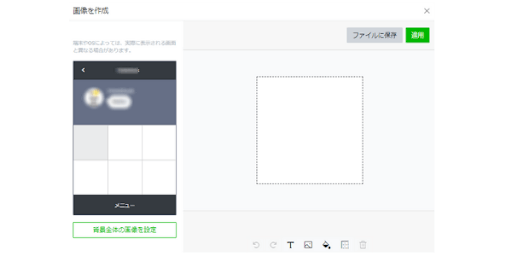
You can also create an image using a different tool and upload it, but,
In the "Create Image" section of the admin panel,
You can create images while viewing the preview screen.
③Set "Action"
There are five types of actions in the rich menu.
★Links
Tapping an image will take you to the linked page.
★Coupon
Tap to view the one you created under "Coupons" in the menu
You can distribute coupons.
★Text
A feature that allows you to send text in messages.
It is even more effective when used in combination with AI-powered automated response messages.
★Store Card
The one you created under "Shop Card" in the menu
You can send it to users.
★Do not set
You can post images only.
What Makes for an Effective Rich Menu?
① Create a menu tailored to the target audience
UsersWhat was your purpose for registering a LINE Official Account?while thinking about
Let's create a rich menu.
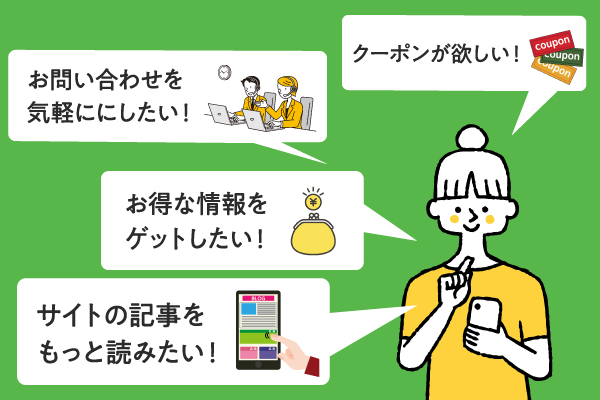
・I'd like to know more about the store
・I’d like to ask questions casually
・I want to get some great coupons
As mentioned above, there are various possible user objectives.
The rich menu is
After registering your account,The first thing you seeThat is precisely why,
If the items don't match the users' needs,
This could result in your account being blocked.
Not only the store's purpose, but also,Let's plan the structure from the user's perspective.。
② Make it easier to click on images
The design of a rich menu has a significant impact on the click-through rate.
It's also a good idea to design menu items with a three-dimensional look, like buttons.
While referring to images on Pinterest and other sources,
A design that encourages users to clickLet's come up with some ideas.
What are some tips for using the Rich Menu?
① Conduct A/B testing to identify the creatives that generate the best response
User ReactionsやDisplay PeriodLet's conduct A/B testing accordingly.
The LINE Official Account isYou can check user feedback right awayTherefore,
This tool makes it easy to conduct A/B testing.
To find images and text that generate a high response rate
Conduct A/B testing on a regular basisI recommend that you...
▼Click here for more information on A/B testing.
② Add a coupon feature
For accounts intended to drive traffic to websites or stores,
Offering coupons can help drive more traffic.
Coupons can also be distributed via rich messages, but
A rich menu that is always visible on the screenBut
We recommend adding a coupon feature.
Also, by giving advance notice of the next coupon distribution,
It can also help prevent users from leaving your account.
Summary
In this article, we explained the rich menu feature for LINE Official Accounts.
Be sure to take advantage of the rich menu to make your operations more effective.
How to Create and Use a LINE Official Account
For more details, please see this article.
Thank you for reading to the end.